Defending Against NPM Supply Chain Attacks: A Practical Guide

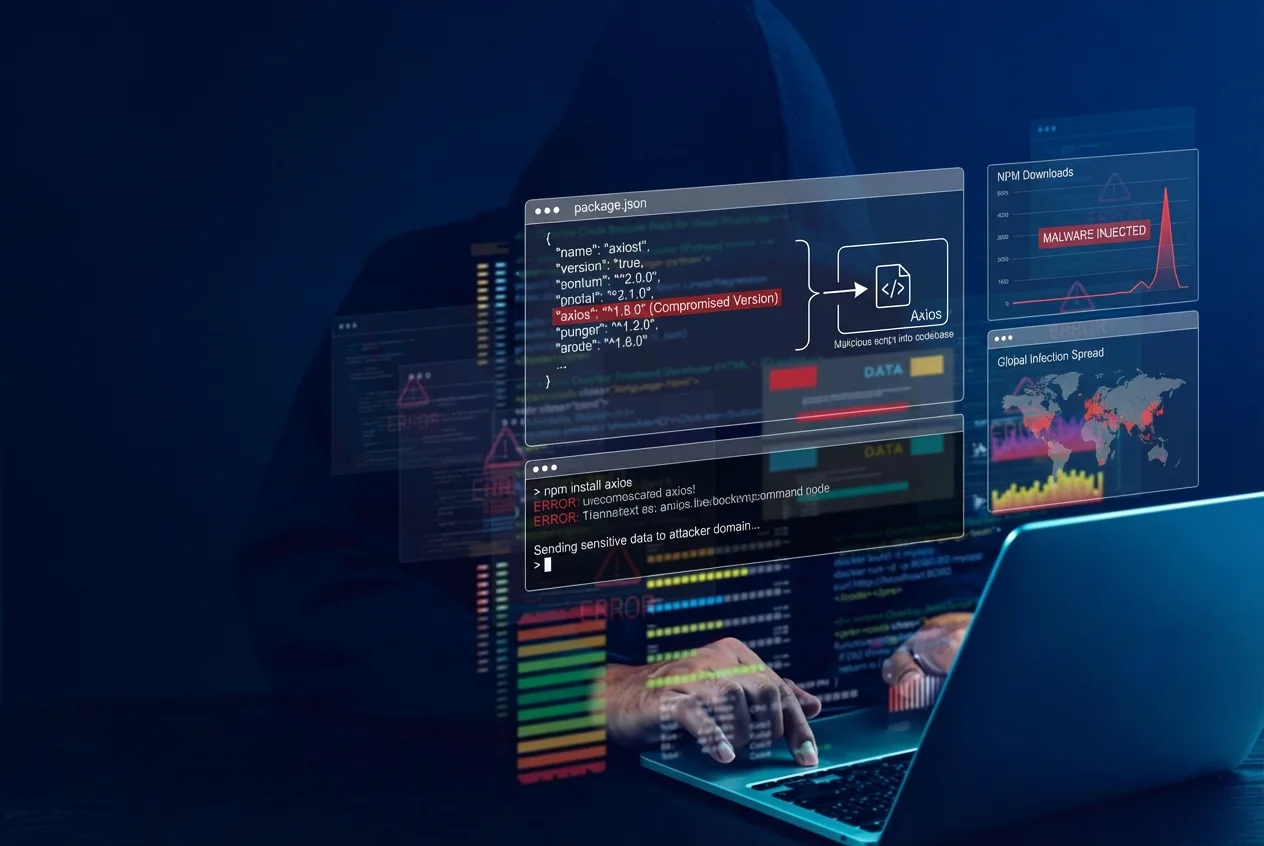
In 2025 and 2026, the NPM ecosystem faced a wave of supply chain attacks, from the September 2025 attack affecting 200+ packages to the latest March 2026 Axios compromise that weaponized one of NPM’s most downloaded packages. These attacks share common patterns, and the defenses against them are well understood but inconsistently applied.
This guide covers the practical measures every engineering team should implement. These are not specific to any single attack, but foundational defenses against the entire class of NPM supply chain threats.
How NPM Supply Chain Attacks Work
Most NPM supply chain attacks follow one of three patterns:
1. Account hijacking: attacker compromises a maintainer’s NPM credentials and publishes a poisoned version of a legitimate package (e.g., Axios, March 2026)
2. Typosquatting: attacker publishes a package with a name similar to a popular one (e.g., axois instead of axios)
3. Dependency confusion: attacker publishes a public package with the same name as an internal/private package, and NPM resolves to the public one
In all three cases, the attack relies on the same thing: your build system automatically pulling and executing code you didn’t explicitly choose.
The defenses below target the specific mechanisms these attacks exploit: automatic version resolution, unreviewed dependency changes, and lack of publishing controls. Each one addresses a concrete gap that recent attacks have used.
Defense 1: Understand SemVer Ranges
This is the single most important concept. Most NPM supply chain attacks exploit how version ranges work in package.json.
The Caret (^) Problem
When you write:
{
  "dependencies": {
    "axios": "^1.12.0"
  }
}
The ^ (caret) tells NPM: “install any version >=1.12.0 and <2.0.0.” This means npm install can silently resolve to 1.14.1, or any future version an attacker publishes under 2.0.0.
Tilde (~) is Slightly Safer, But Still Risky
When you write:
{
  "dependencies": {
    "axios": "~1.12.0"
  }
}
The ~ allows >=1.12.0 and <1.13.0, allowing only patch-level updates. Narrower than caret, but still permits automatic resolution to versions you haven’t reviewed.
Exact Pinning is the Safest
{
  "dependencies": {
    "axios": "1.12.0"
  }
}
No range operator, so NPM will only install exactly 1.12.0. This eliminates automatic resolution entirely, but requires manual version bumps for updates.
Version Range Quick Reference
| Specifier | Meaning | Risk Level |
1.12.0 | Exactly 1.12.0 | Lowest |
~1.12.0 | >=1.12.0, <1.13.0 | Low |
^1.12.0 | >=1.12.0, <2.0.0 | Medium |
^0.30.0 | >=0.30.0, <0.31.0 | Medium |
* or latest | Any version | Highest |
Note: Caret behaves differently for 0.x versions. ^0.30.0 only allows >=0.30.0, <0.31.0, which is more restrictive than you might expect. But ^1.0.0 allows all the way up to <2.0.0, which is a very wide range.
Recommendation
For production applications, use exact versions or tilde ranges in package.json. Reserve caret ranges for development-only dependencies where the risk is lower.
Defense 2: Commit and Enforce Lockfiles
A lockfile (package-lock.json for NPM, yarn.lock for Yarn, pnpm-lock.yaml for pnpm) records the exact version installed for every dependency in your tree, including transitive dependencies.
Why This Matters
Even with ^1.12.0 in package.json, if your lockfile says 1.12.0, that’s what gets installed, as long as you use the right install command.
The Critical Distinction: npm ci vs npm install
| Command | Reads Lockfile | Can Update Lockfile | Use When |
npm install | Yes, but overrides with package.json ranges | Yes | Local dev, adding new packages |
npm ci | Yes, strictly | No (fails if out of sync) | CI/CD, production builds |
npm ci is your lockfile enforcement mechanism. It installs exactly what’s in the lockfile. If package.json and package-lock.json are out of sync, it fails instead of silently updating.
Caveat: A Poisoned Lockfile Won’t Save You
Lockfiles only protect you if they were clean before the attack. If a developer ran npm install (not npm ci) during the Axios attack window, the lockfile itself got updated to axios@1.14.1. Every subsequent npm ci then faithfully installs the malicious version because it trusts the lockfile.
This is why lockfile enforcement and cooldown periods (Defense 3) work together. Lockfiles prevent accidental upgrades; cooldowns prevent the lockfile from getting poisoned in the first place.
Checklist
☐ package-lock.json is committed to version control (not in .gitignore)
☐ CI/CD pipelines use npm ci, not npm install
☐ PRs that modify package-lock.json get reviewed for unexpected version changes
☐ A CI check validates that the lockfile is in sync with package.json
Defense 3: Set a Minimum Release Age (Cooldown Period)
Most supply chain attacks are detected and removed within hours or days. If you delay installing newly published packages, you avoid the attack window entirely.
npm min-release-age (npm v11.10.0+)
Add to .npmrc in your repo root:
min-release-age=7dThis tells NPM to reject any package version published less than 7 days ago. The Axios attack had a window of about 4-5 hours. A 7-day cooldown would have blocked it completely.
Requirements: NPM v11.10.0 or later. Check your version with npm --version.
Dependabot Cooldown
Since July 2025, Dependabot natively supports minimum package age configuration. This is a true cooldown. Dependabot will not create PRs for package versions published less than the specified number of days ago.
version: 2
updates:
  - package-ecosystem: "npm"
    directory: "/"
    schedule:
      interval: "weekly"
    cooldown:
      default-days: 7
      semver-minor-days: 3
      semver-patch-days: 3
You can set different cooldown periods per semver type and use include/exclude patterns to target specific dependencies. This works alongside min-release-age in .npmrc. Dependabot enforces the cooldown on automated PRs, while .npmrc enforces it on manual npm install runs.
Defense 4: Flag New Dependencies with Install Scripts
Many NPM supply chain attacks rely on postinstall hooks to execute malicious code during npm install. The Axios attack used exactly this mechanism: plain-crypto-js had a postinstall hook that dropped a RAT.
Rather than blanket-disabling all scripts (which breaks legitimate packages like esbuild, sharp, and bcrypt), focus on detection: flag any PR that introduces a new dependency with a hasInstallScript field in the lockfile.
A dependency that appears for the first time AND has an install script is a high-signal detection. In the Axios case, plain-crypto-js was a brand-new dependency that no one had ever heard of, with a postinstall hook. That combination should trigger review before merging.
Add a CI check on PRs that:
1. Diffs package-lock.json for newly added packages
2. Checks if any new package has "hasInstallScript": true
3. Flags the PR for manual review if both conditions are met
This catches the exact attack pattern without breaking your build pipeline.
Defense 5: Monitor and Block Known Threats
Block Known C2 Infrastructure
When supply chain attacks are analyzed, the security community publishes indicators of compromise (IOCs) including command-and-control (C2) domains and IPs. Block these at your firewall and DNS level.
For example, the Axios attack used:
- Domain:
sfrclak.com - IP:
142.11.206.73
Use Supply Chain Security Tooling
NPM’s built-in npm audit can detect known malicious packages. Integrate SCA scanning into your CI/CD pipeline so compromised dependencies are caught before they reach production.
ArmorCode consolidates findings from all your security scanners into our Agentic AI Platform. When a supply chain attack hits, you can ask Anya to surface affected applications across your entire portfolio in seconds. For example:
- “Am I vulnerable to Axios supply chain attack?“
- “Am I impacted by CVE-2026-33634?”
Verify Package Provenance Before Installing
NPM now supports provenance attestations that cryptographically link a package to the source commit and CI workflow that built it. You can verify these on your end:
npm audit signaturesThis checks that packages in your dependency tree were built from their claimed source repositories. In the Axios attack, axios@1.14.0 had valid provenance (published via GitHub Actions with OIDC), while axios@1.14.1 had none (published manually with a stolen token). Running npm audit signatures in CI would have flagged this mismatch.
Defense 6: Use a Private Registry Proxy
For organizations with internal/private NPM packages, dependency confusion is a real risk. An attacker can publish a public package with the same name as your internal one, and NPM may resolve to the public version.
Mitigate this by using a private registry as a proxy:
- Route all NPM requests through the private registry
- Maintain an allowlist of approved public packages
- Block direct access to the public NPM registry from CI/CD
This also gives you a central point to enforce cooldown periods, block known malicious packages, and audit all dependency changes.
A Layered Approach
No single defense is sufficient. The strongest posture combines multiple layers:
| Layer | What It Prevents | Effort |
| Exact version pinning | Auto-resolution to malicious versions | Low |
| Lockfile + npm ci | Lockfile drift, silent upgrades | Low |
| min-release-age cooldown | Installing packages during attack window | Low |
| Flag new deps with install scripts | Postinstall-based malware in new dependencies | Low |
| Provenance verification | Packages published outside trusted CI workflows | Low |
| Private registry proxy | Dependency confusion, unauthorized public packages | Medium |
| SCA scanning + ASPM | Known malicious packages across your portfolio | Medium |
| C2/IOC blocking | Active exploitation after compromise | Low |
The first three are low-effort, high-impact changes that every team using NPM should implement today. They would have prevented or mitigated every major NPM supply chain attack in the past year.
Conclusion
NPM supply chain attacks are not slowing down. They are getting more sophisticated. The September 2025 attack targeted 200+ packages through maintainer phishing. The March 2026 Axios attack compromised one of the most-downloaded packages on NPM through credential theft.
The defenses are straightforward: pin your versions, commit your lockfiles, use npm ci, set a cooldown, and monitor for known threats. These are not theoretical recommendations. They are the specific measures that would have blocked every recent attack.
ArmorCode helps security teams stay ahead of these threats by consolidating vulnerability data across tools, providing instant AI-powered analysis with Anya, and enabling rapid cross-team remediation. When the next supply chain attack drops, you want to be asking “Am I affected?” and getting an answer in seconds, not scrambling through repos manually.
References