The GitHub Breach – How it Happened and Actions You Can Take

What Happened In The GitHub Breach By TeamPCP?
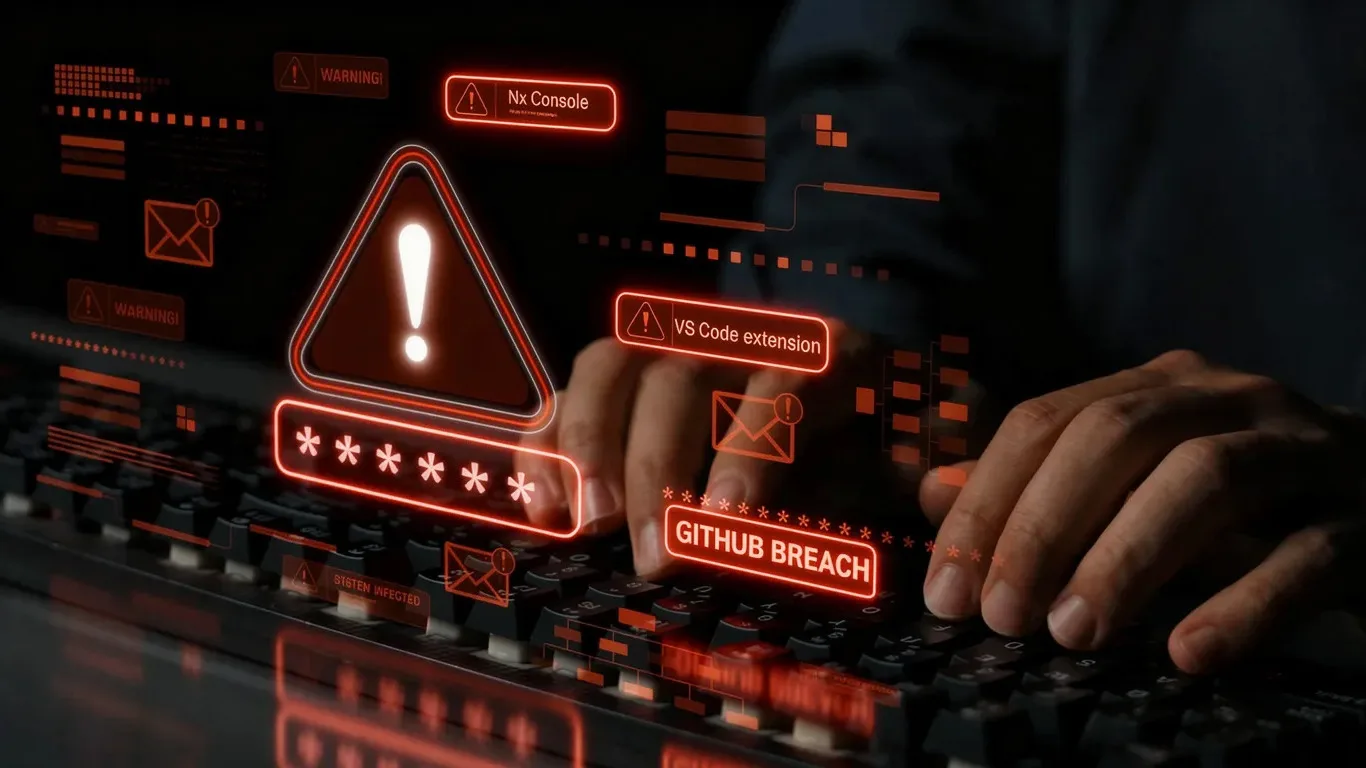
On May 18, 2026, GitHub confirmed that approximately 3,800 of its internal repositories had been exfiltrated. The method was not a novel zero-day. No nation-state tradecraft was involved. A threat actor group known as TeamPCP poisoned a widely used VS Code extension called Nx Console, pushed it to the Visual Studio Marketplace, and let auto-update do the rest.
The malicious version stayed live for 18 minutes.
That was enough.
Within that window, the extension silently ran a shell command on affected developer machines, harvested credentials from 1Password vaults, GitHub tokens, SSH keys, AWS credentials, and Anthropic Claude Code configurations, double-encrypted the output, and pushed it to a public GitHub repository. TeamPCP then used the exfiltrated SSH keys to clone GitHub’s internal repos. GitHub has since confirmed no customer data stored outside its own internal repositories was affected, but the breach itself is a clear signal about where the next wave of software supply chain attacks is heading.
Security leaders say, “That could have been any one of us.”
They are right. This post explains why, how the attack actually worked, and what security teams running an application security program should do about it.
What the GitHub Breach Means for Application Security Programs
The GitHub incident is not a one-off. TeamPCP has been executing this same playbook for close to a year. The packages rotate, the targets change but the pattern does not.
Here is what security leaders need to understand about what this attack class means for their programs:
Developer machines are now the highest-value attack surface in most organizations. Developers hold an unusual concentration of credentials: production database access, CI/CD pipeline tokens, SSH keys to source repositories, API keys for cloud environments. Compromise one developer’s laptop and you often have the keys to effectively the entire software supply chain. The GitHub breach turned a single poisoned extension into access to 3,800 repositories because that is what developer credentials make possible.
The “before code” environment is almost entirely ungoverned. SAST, DAST, SCA, CSPM, and most ASPM tools focus on code that has already been committed, pipelines that are already running, or cloud environments that are already provisioned. When a developer installs an extension on their local machine, or experiments with packages before a commit, none of that is visible to most security tooling. As one security practitioner observed: “Everybody sees the code and after. Nobody sees before code, because before code is a complete mess.” That is precisely where this attack lives.
Flat repository access structures convert any stolen credential into a full exfiltration event. At most companies, the default GitHub access model gives everyone read access to all repositories. That sounds reasonable until an attacker obtains a GitHub token from a compromised developer machine. At that point, “everyone can read” becomes “attacker can clone everything.” The 18-minute window did not produce a limited breach because GitHub’s access model was not built for the scenario where the perimeter is a developer’s laptop.
Your EDR is probably not catching this. Some enterprises have confirmed they were hit by an identical Nx Console attack in September 2025. Their EDR took eight hours to detect it. The reason is the attack’s design: it executes entirely within normal user permissions, explicitly avoids privilege escalation (the injected prompt included the instruction “do not use sudo”), and uses local AI models as reconnaissance tools in a way that looks like standard developer activity. DLP tools and EDR solutions were not built to flag an AI model recursively searching a filesystem on behalf of a malicious post-install script.
How TeamPCP’s Attack Chain Actually Worked
Understanding the mechanics matters for building effective countermeasures. This is the sequence, based on confirmed details of both the September 2025 attack and the GitHub breach:
Step 1: Compromise a trusted extension publisher. TeamPCP’s initial foothold in the May 2026 breach came via the TanStack supply chain attack, which had already compromised an Nx developer’s system. With that access, they were able to push a trojanized version of the Nx Console extension to the Visual Studio Marketplace.
Step 2: Let auto-update handle distribution. VS Code auto-updates extensions by default. There is no review gate or waiting period between when a publisher pushes an update and when it is installed on every machine running that extension. The malicious build was live for 18 minutes. Auto-update gave TeamPCP a direct push channel into every developer environment with Nx Console installed.
Step 3: Execute via post-install script, using AI as the reconnaissance engine. The extension’s post-install hook triggered a shell command that invoked local AI models (Claude, Gemini, and Amazon Q) with a carefully crafted prompt: recursively search local paths, temp directories, environment configurations, and credential stores. The prompt explicitly excluded sudo-requiring operations to avoid triggering privilege escalation alerts. The result is indistinguishable from a developer running a local agent task.
Step 4: Double-encrypt and exfiltrate to GitHub. The collected credentials were compiled, double-encrypted, and pushed to a repository on GitHub itself, using the platform as the exfiltration channel. Once decrypted by TeamPCP, the output yielded GitHub tokens and SSH keys.
Step 5: Clone at scale. With valid SSH keys, cloning 3,800 repositories is a scripted operation. The breach was over before most detection pipelines would have had a chance to see it.
The interlinked nature of the attack is the point. TeamPCP breaks one trusted tool, harvests developer credentials, and uses those credentials to break into the next trusted tool. The cycle repeats.
What Security Teams Are Doing Right Now
Security practitioners who have been tracking TeamPCP shared several concrete measures. These are worth acting on immediately.
Disable VS Code extension auto-updates via endpoint management policy. VS Code does not currently support cooldown periods for extension updates (NPM does; Microsoft has declined to add this feature to VS Code). The practical workaround is using your endpoint management platform (Jamf, Intune, or equivalent) to disable auto-updates at the policy level, where developers cannot override the setting. Until VS Code ships native cooldown support, this is the most direct control available.
Subscribe to OpenSourceMalware.com’s free RSS feed. This service runs continuous scanning across package ecosystems and surfaces malicious packages, in some cases within one minute of publication. One practitioner had this feed piped into their AppSec team’s Slack channel and was receiving automatic alerts tied to their dependency tree. Another team used open-source Semgrep to replicate the scanning methodology internally and detected the TanStack attack 40 minutes before the public advisory dropped. This costs nothing and takes roughly 30 minutes to set up.
Scope GitHub repository access by team and project need. Flat read access to all repositories is the configuration that converted a single stolen SSH key into 3,800 exfiltrated repos. Scoping access by team, project, and explicit need will not prevent credential theft, but it limits the blast radius of each credential compromise significantly.
Layer in transparent package proxy protection. JFrog-style proxies have historically failed to deploy at many organizations because they require developer buy-in and create workflow friction. Socket Firewall deployed via MDM bypasses that friction entirely. It wraps npm, PyPI, and uv package requests transparently, flags malicious packages at the policy level, and is invisible to developers. It does not yet cover VS Code extensions, but it covers the package ecosystem where most supply chain attacks originate.
Get developer endpoint visibility before you need it. OS Query-based tools can answer a question that most security programs currently cannot: what packages and extensions are actually running on developer machines right now, not what is in the repository, not what has passed the pipeline, but what is on the machine? This capability is underdeveloped in the current vendor market, but teams that have it deployed can answer supply chain questions in seconds.
How ArmorCode Helps with Software Supply Chain Security
The most urgent question after any supply chain compromise is: are we affected, and where? Though that question sounds simple, answering it typically means pulling people from multiple teams, running manual queries across disconnected tools, and correlating findings by hand, while the window of exposure extends.
This is the gap that ArmorCode’s unified exposure management capabilities are built to close.
The ArmorCode platform’s ASPM module maintains a continuously updated picture of your application security posture: your code and its dependencies, your open findings, your component ownership maps, and your full application surface. When a supply chain signal arrives, whether from a threat intel feed, a public advisory, or an automated alert, ArmorCode lets you immediately run a query against that picture and get a contextualized answer.
Using ArmorCode’s MCP interface or API, security teams can automate that query directly into their incident response workflow. When a malicious package or extension is flagged, the automated question becomes: which components in our codebase reference this dependency, which developer environments have installed it, which teams own those components, and what is the blast radius if those credentials are compromised? The answer flows into Slack or your ITSM tool automatically, without requiring anyone to manually initiate a triage process.
That is the difference between knowing “Nx Console was compromised” and knowing “two of our developer environments had this extension active, one of them holds active SSH keys to our payment service repository, and the other has write access to our core API.” The first piece of information requires a human investigation. The second enables an automated response.
Our customers are using this workflow today for exactly this class of supply chain scenario. When threat intel signals arrive from feeds like OpenSourceMalware.com, they trigger automated ArmorCode queries that surface contextual impact across the full application surface in seconds. The teams that have built this integration are detecting supply chain threats before public advisories are published.
ArmorCode is also actively expanding threat intelligence integrations through AATI (ArmorCode Advanced Threat Intelligence) and our AI capabilities, so that supply chain signals can be enriched with contextual application data and surfaced with enough context to act on immediately.
Beyond rapid impact assessment, ArmorCode’s AppSec posture continuously surfaces risks in the developer tooling layer: outdated dependencies, ungoverned third-party integrations, and overly broad credential scopes that are prime targets for TeamPCP-style attacks. Getting ahead of these findings before an incident is significantly less costly than answering the “are we affected” question after one.
What Actions Can You Take This Week
1. Audit your VS Code and IDE extension auto-update policy. If you do not have one documented and enforced at the endpoint management layer, you have a gap that this attack class directly exploits.
2. Subscribe to the OpenSourceMalware.com free RSS feed and route it to your AppSec channel. This costs nothing. It provides real-time supply chain threat intel faster than most paid feeds.
3. Scope your GitHub repository access model. Audit which teams have read access to which repositories and eliminate flat access to all repos. This will not prevent credential theft, but it will prevent one stolen token from becoming a full exfiltration event.
4. ArmorCode Customers: Query your environment for developer tooling exposure. Use the ArmorCode Agentic AI platform to identify which applications and components have dependencies that fall into actively targeted package ecosystems. Set up automated queries so that when the next supply chain signal arrives, impact assessment is a workflow step rather than a manual investigation.
5. Build your threat intel to ASPM integration now, before the next incident. The teams that detected TanStack 40 minutes before the advisory had the integration in place. That preparation is what separated a 40-minute response from an 8-hour EDR detection.
6. Brief your CISO with a documented controls assessment. Capture what controls you have in place, what residual risk remains, and what you are requesting. Both budget decisions and liability considerations benefit from having this documented before an incident rather than during one.
The Pattern is Not Going Away
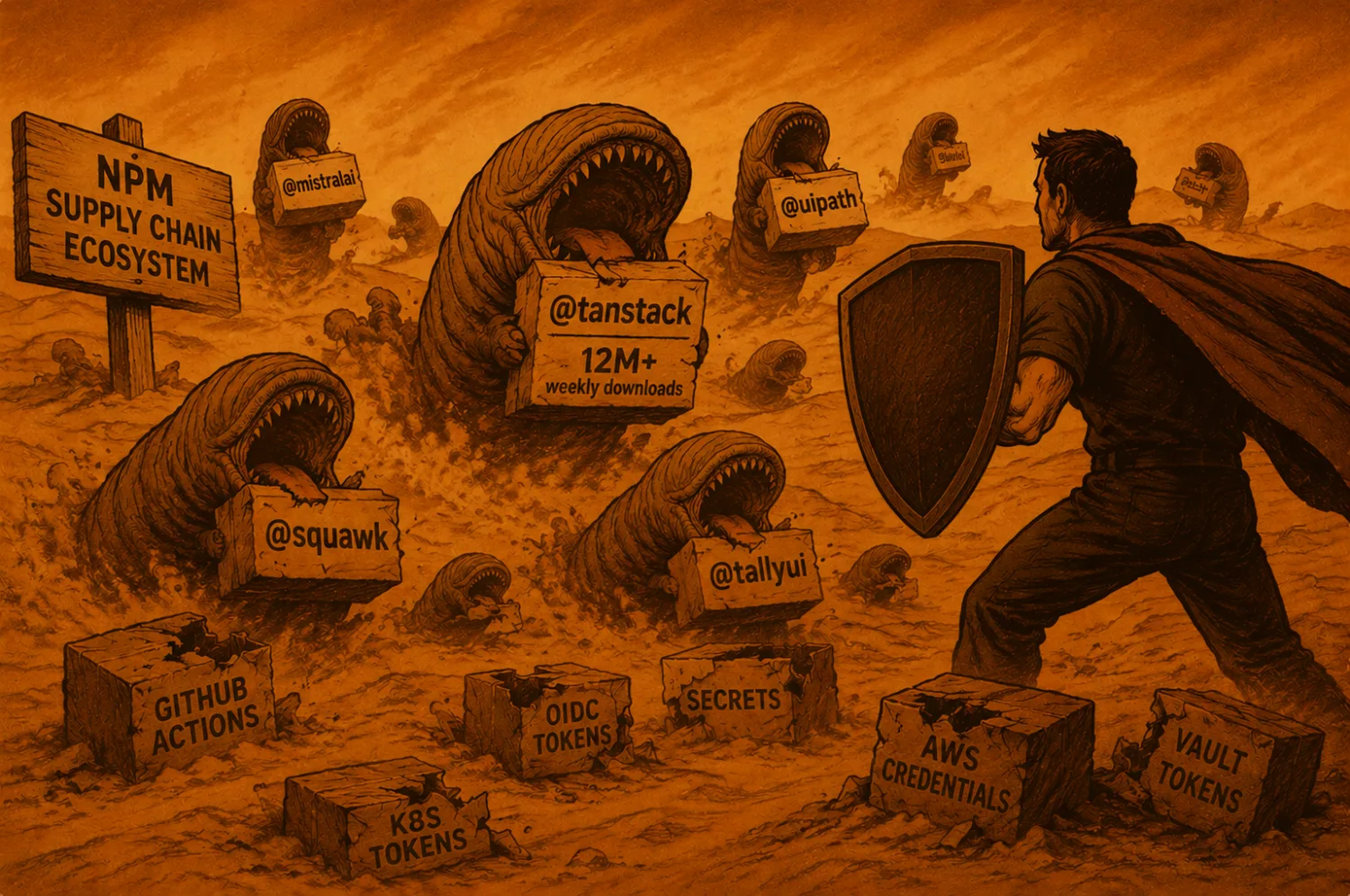
TeamPCP has been executing this playbook for nearly a year. The attack vector has not meaningfully changed. What has changed is the scale: OpenAI, Mistral AI, Grafana Labs, and now GitHub. The group goes after targets with broad developer ecosystems because a single compromised extension can cascade across every organization whose developers have it installed.
The security community has understood this threat model for some time. Zero-trust frameworks for developer workstations have been discussed at OWASP and in the Secure Pipeline Verification Standard. The tools to layer defenses around developer machines exist. What has been missing is the connective tissue: a platform that ties threat intel signals to asset inventory to ownership maps to automated response.
That connective tissue is what Unified Exposure Management is built to be.
The 18-minute window that was enough to compromise GitHub is not going to get longer. But with an exposure management and AppSec program that connects threat signals to your actual application security posture, your response can get faster. Fast enough that the window closes before the attacker finishes what they came for.
Talk to ArmorCode About Your Supply Chain Security Posture
If you want to understand how ArmorCode’s Unified Exposure Management can accelerate your supply chain incident response, assess your current developer tooling exposure, or integrate threat intelligence directly into your application security workflows, our team is ready to walk you through it.
Schedule a conversation with ArmorCode
Key Takeaways from the GitHub Breach
- TeamPCP’s playbook is industrialized, not novel. A poisoned Nx Console extension, an 18-minute auto-update window, harvested developer credentials, 3,800 cloned GitHub repos. Same pattern has hit OpenAI, Mistral AI, and Grafana Labs over the past year.
- Developer machines are the highest-value attack surface most programs don’t fully see. One laptop holds production database access, CI/CD tokens, SSH keys, and cloud APIs. Compromise it and you often have the entire software supply chain.
- The “before code” environment is largely ungoverned. SAST, DAST, SCA, CSPM, and most ASPM tools cover committed code and running pipelines, not the extensions and packages sitting on a developer’s local machine. That gap is where this attack class lives.
- Flat GitHub access models turn one stolen credential into full exfiltration. Default “everyone reads everything” is what made 3,800 repos cloneable from a single SSH key. Scoping by team and project shrinks the blast radius.
- EDR alone is not catching this. The attack runs within normal user permissions, avoids sudo, and uses local AI models for reconnaissance that looks like routine developer activity. One enterprise’s EDR took 8 hours to detect an identical attack in September 2025.
- The most effective defenses are concrete and low-cost. Disable VS Code extension auto-updates via MDM, subscribe to OpenSourceMalware.com‘s free RSS feed, scope GitHub repo access, and deploy transparent package proxy protection like Socket Firewall.
- Response speed depends on connecting threat intel to your AppSec posture. Knowing “Nx Console was compromised” is not the same as knowing which developer environments had it, which SSH keys were active, and which repos are exposed. That connective tissue is what unified exposure management provides.